#1 Mouse Test Tool
Use this online mouse test tool to check your mouse fast and free.
Click on the mouse below. Try each button. Roll the wheel up and down. Each part lights up when it works.
Waiting for input — click or scroll to start.
How to Use Our Mouse Test Tool
Three quick steps to run the mouse test on every button and the scroll wheel.
- 1
Click each button on the mouse below and check if it lights up.
- 2
Hover over the mouse, then roll your scroll wheel up and down.
- 3
Check if the scroll arrows light up too.
Looking for a new mouse?
Check out the mice we recommend.
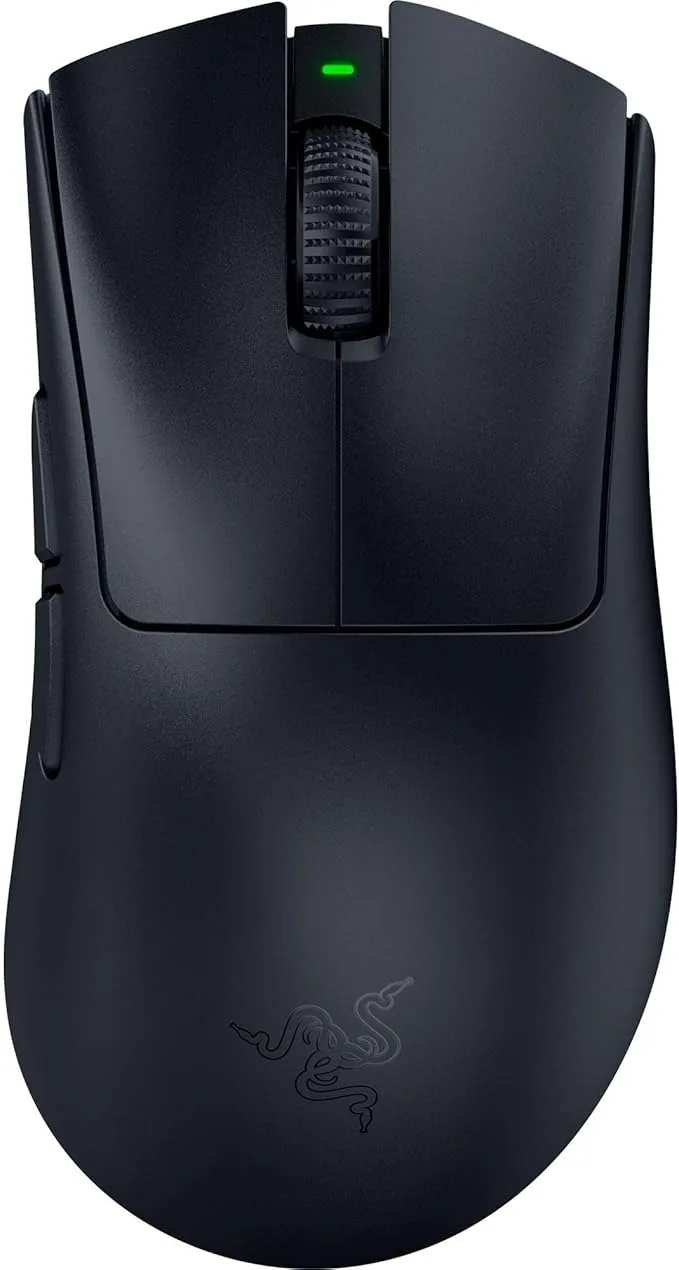
- 56g ultra-light, comfortable all-day grip
- 8000Hz HyperPolling for instant click response
- 150-hour wireless battery, USB-C fast charge
56g · 8000Hz · 45K DPI
See details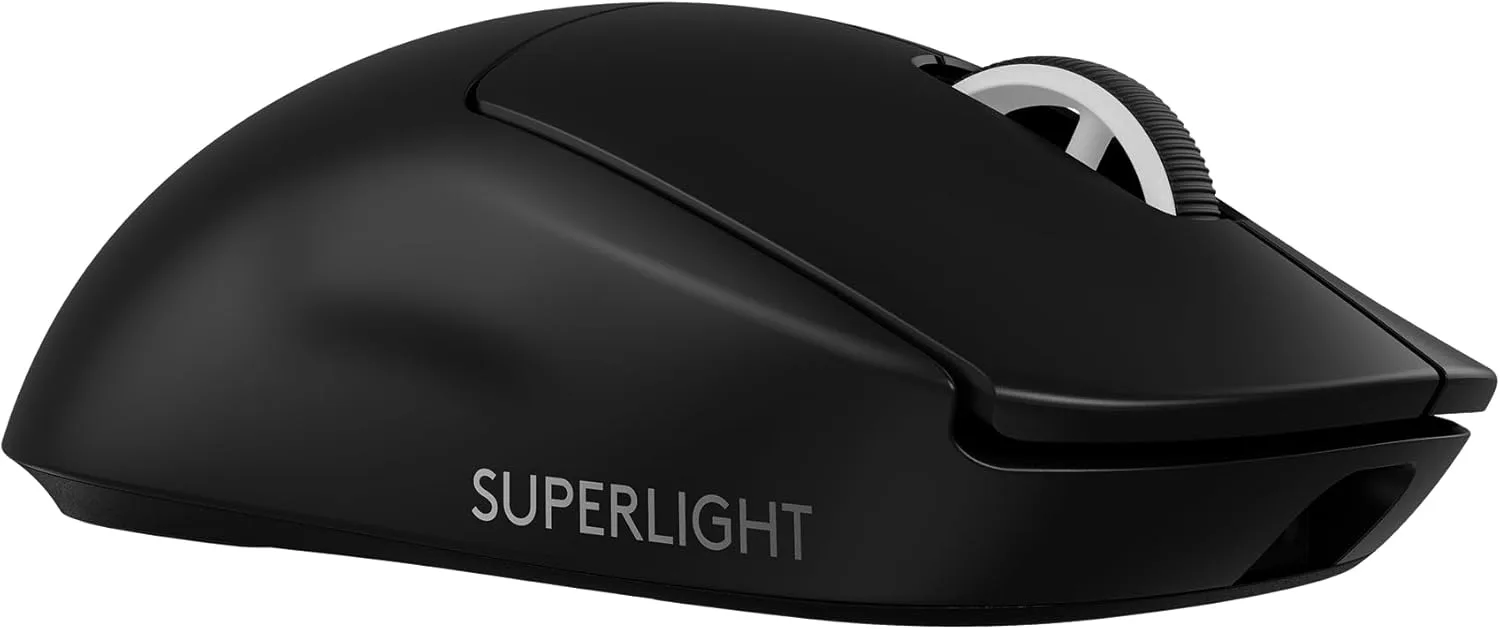
- 60g pro-grade build, easy to flick all day
- 8000Hz polling with 44K DPI HERO 2 sensor
- 5 programmable buttons, USB-C fast charge
60g · 8000Hz · 44K DPI
See details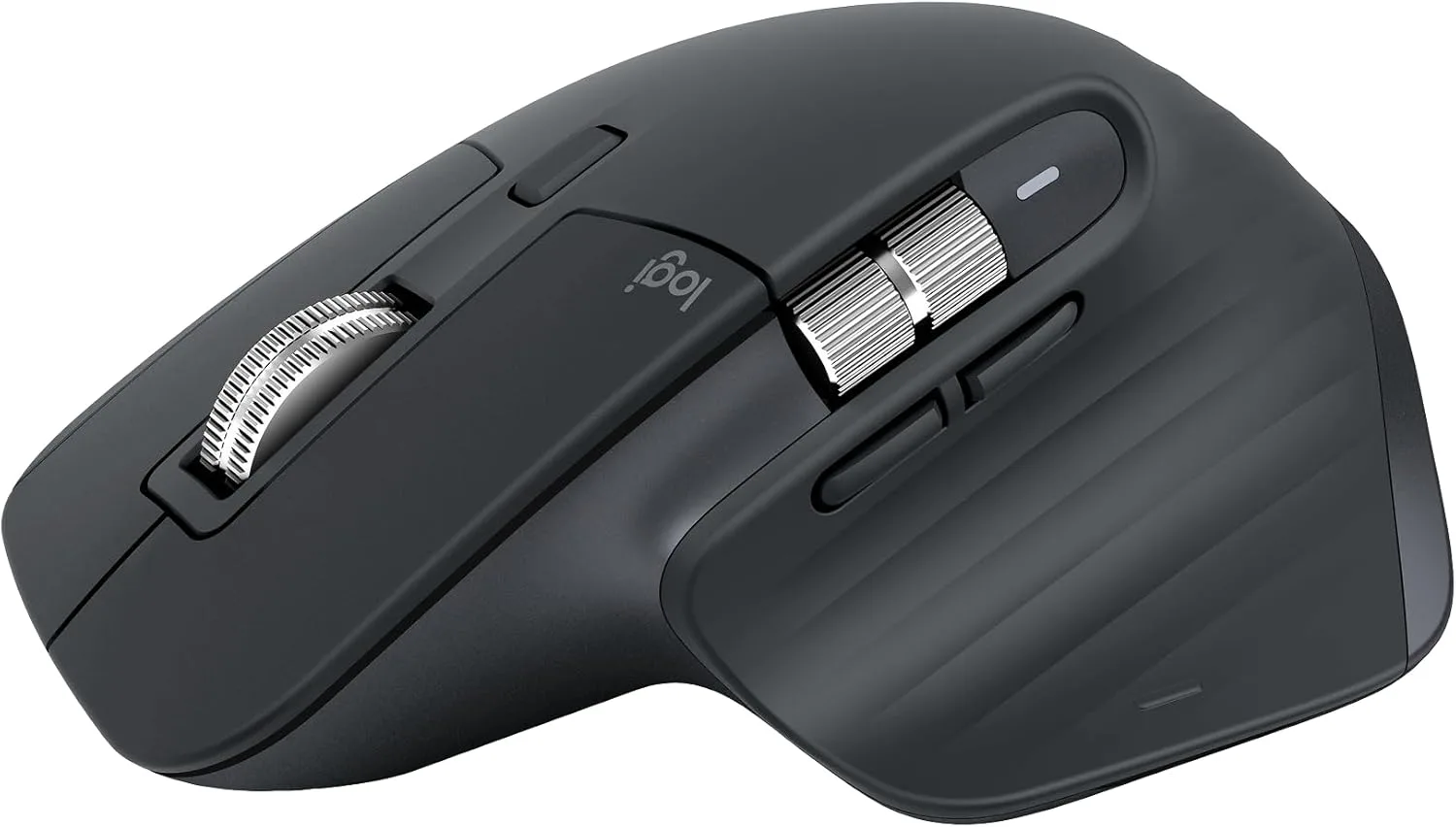
- Ergonomic sculpted shape for long sessions
- MagSpeed ultra-fast scroll, quiet clicks
- Bluetooth-only, tracks on glass, 8K DPI
Bluetooth · 8000 DPI · quiet clicks
See details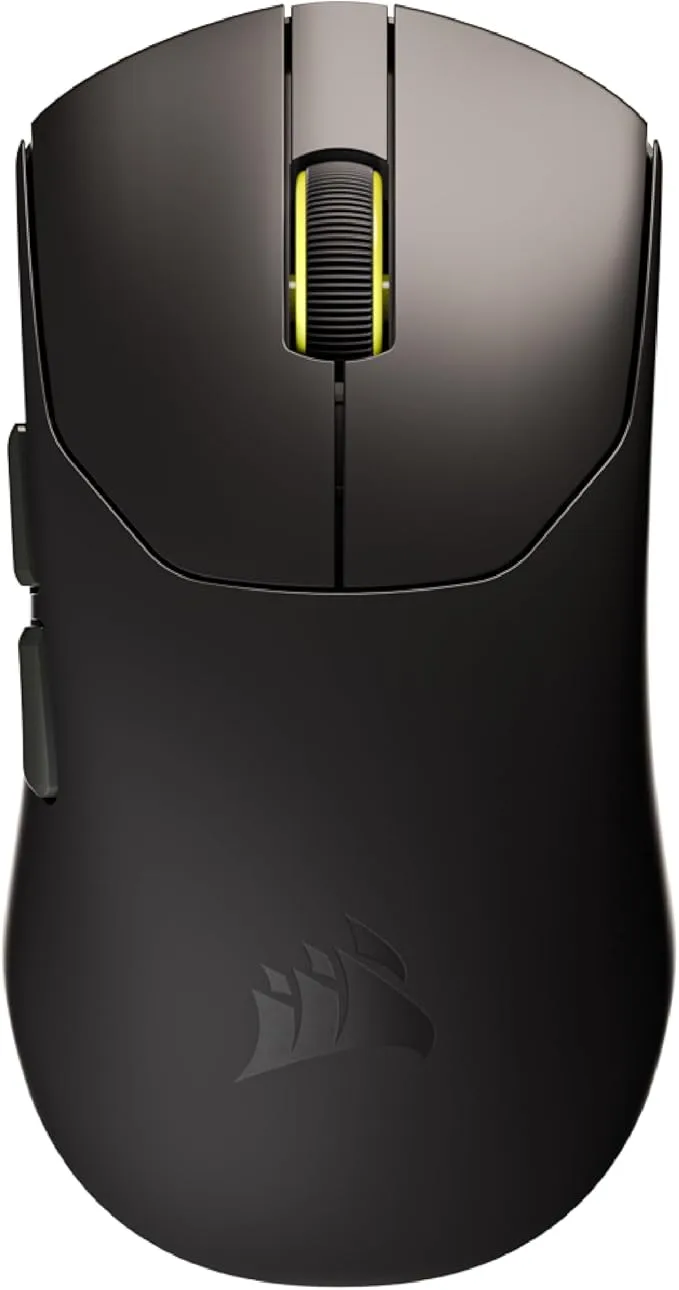
- 36g ultralight shell for fast flicks and tracking
- 33,000 DPI sensor with 8000Hz hyper-polling
- Mechanical switches, 70-hour wireless battery
36g · 8000Hz · 33K DPI
See details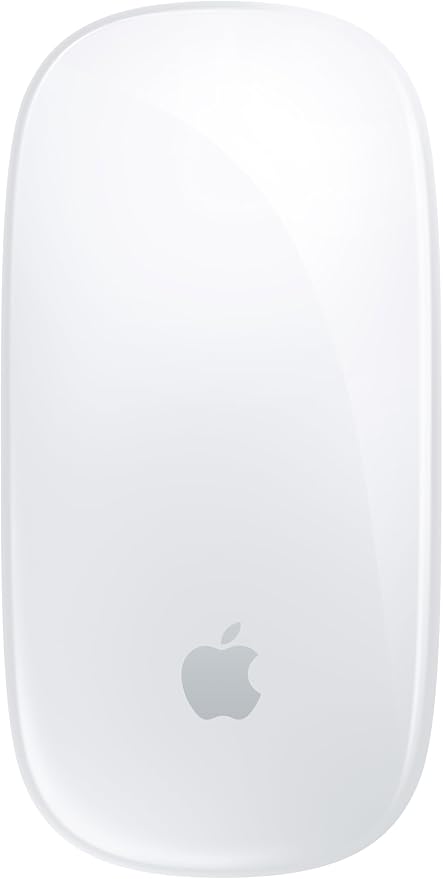
- Multi-Touch surface for swipe and scroll gestures
- Bluetooth wireless, USB-C charging
- Around a month of use on a single charge
99g · Bluetooth · USB-C
See details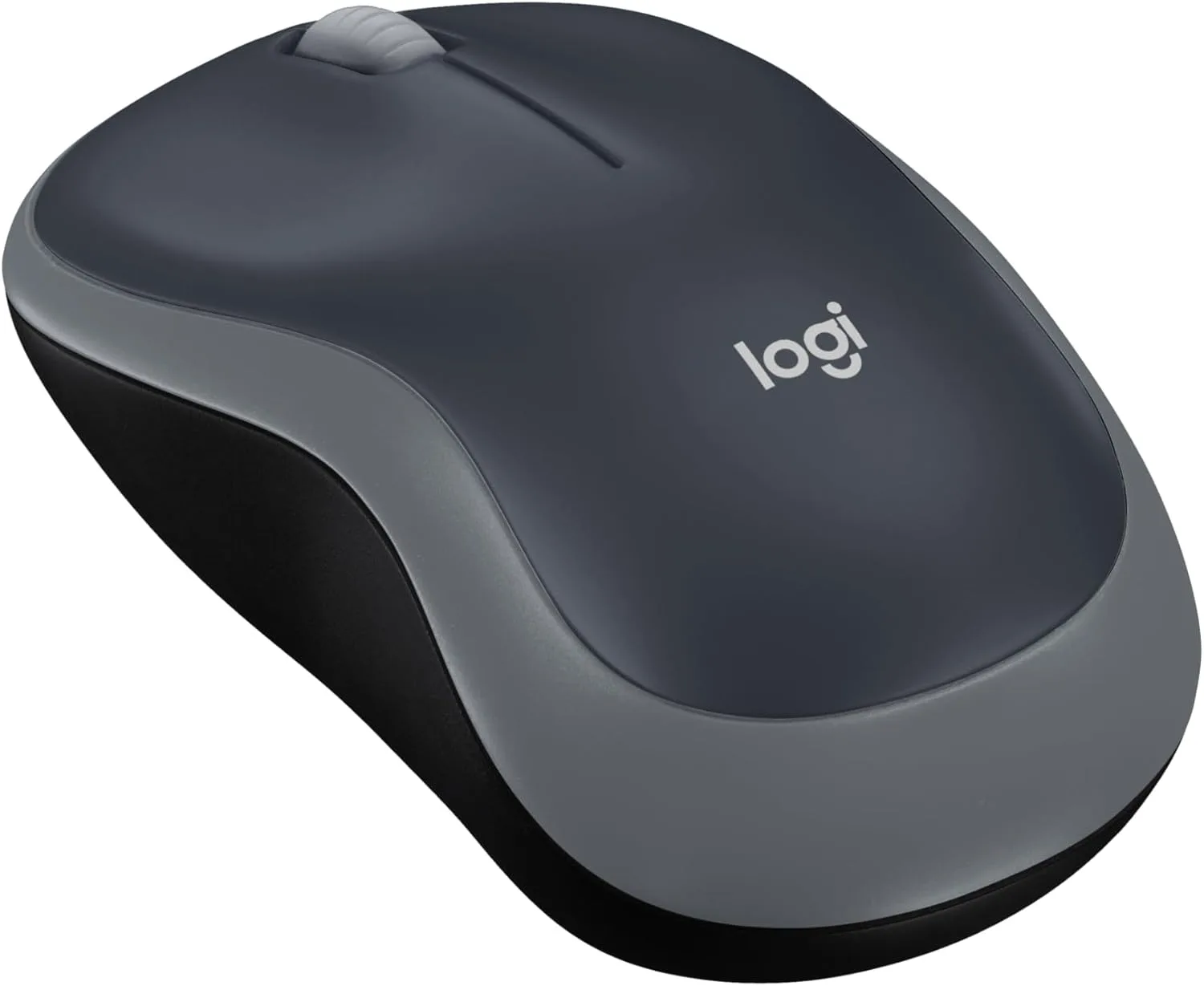
- Plug-and-play 2.4GHz wireless via USB mini receiver
- 12-month battery life on a single AA
- 1000 DPI ambidextrous shape for PC, Mac, or laptop
2.4GHz wireless · 1000 DPI · 12-month battery
See detailsKey Features of Our Mouse Test Tool
Check your buttons, scroll wheel, and click speed — all in one place.
Mouse Button Test
Press the left, right, and middle buttons one at a time. Each one lights up and counts when it works. This shows if a button is stuck or dead.
Start mouse test now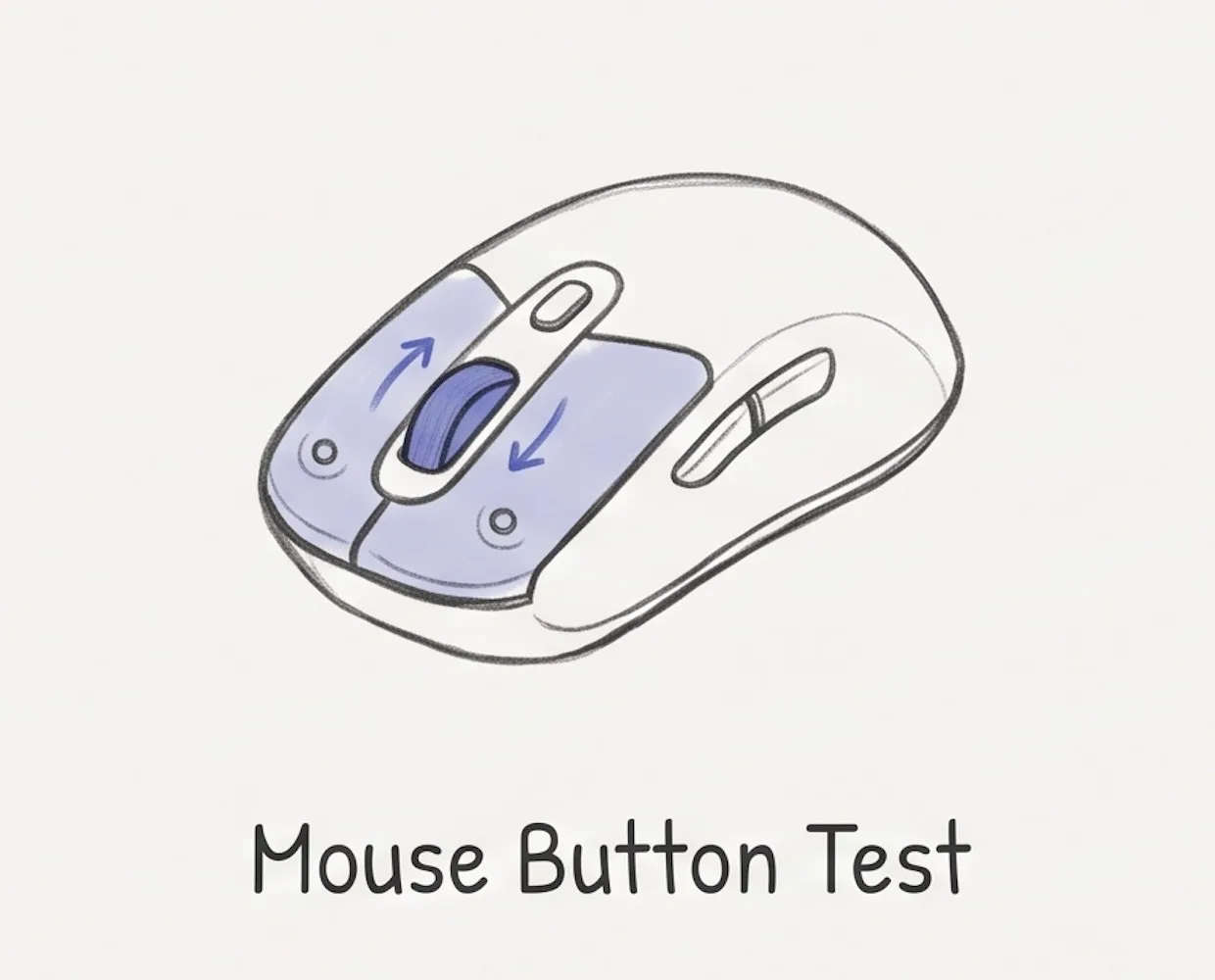
Scroll Wheel Test
Roll the wheel up and then down. Both arrows light up when the wheel works. This shows if the wheel is stuck or dead in either direction.
Run the scroll wheel test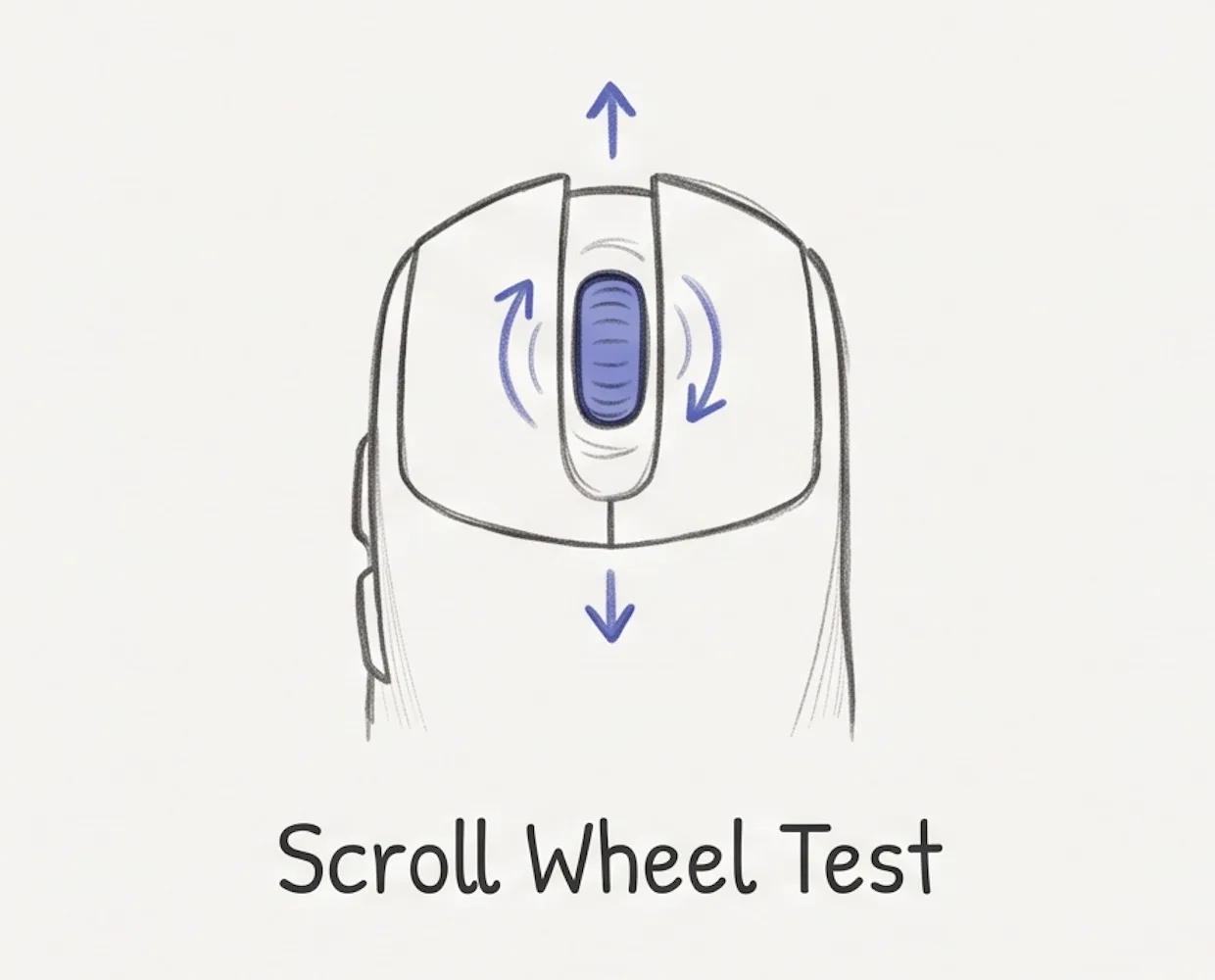
Real-time CPS
Watch your clicks per second update live while you click. Use it to compare mice, warm up, or just see how fast you can go.
Open the CPS test
Visual Feedback
Every button and scroll lights up on the mouse the moment it fires, so you can see right away what works and what does not.
See it light up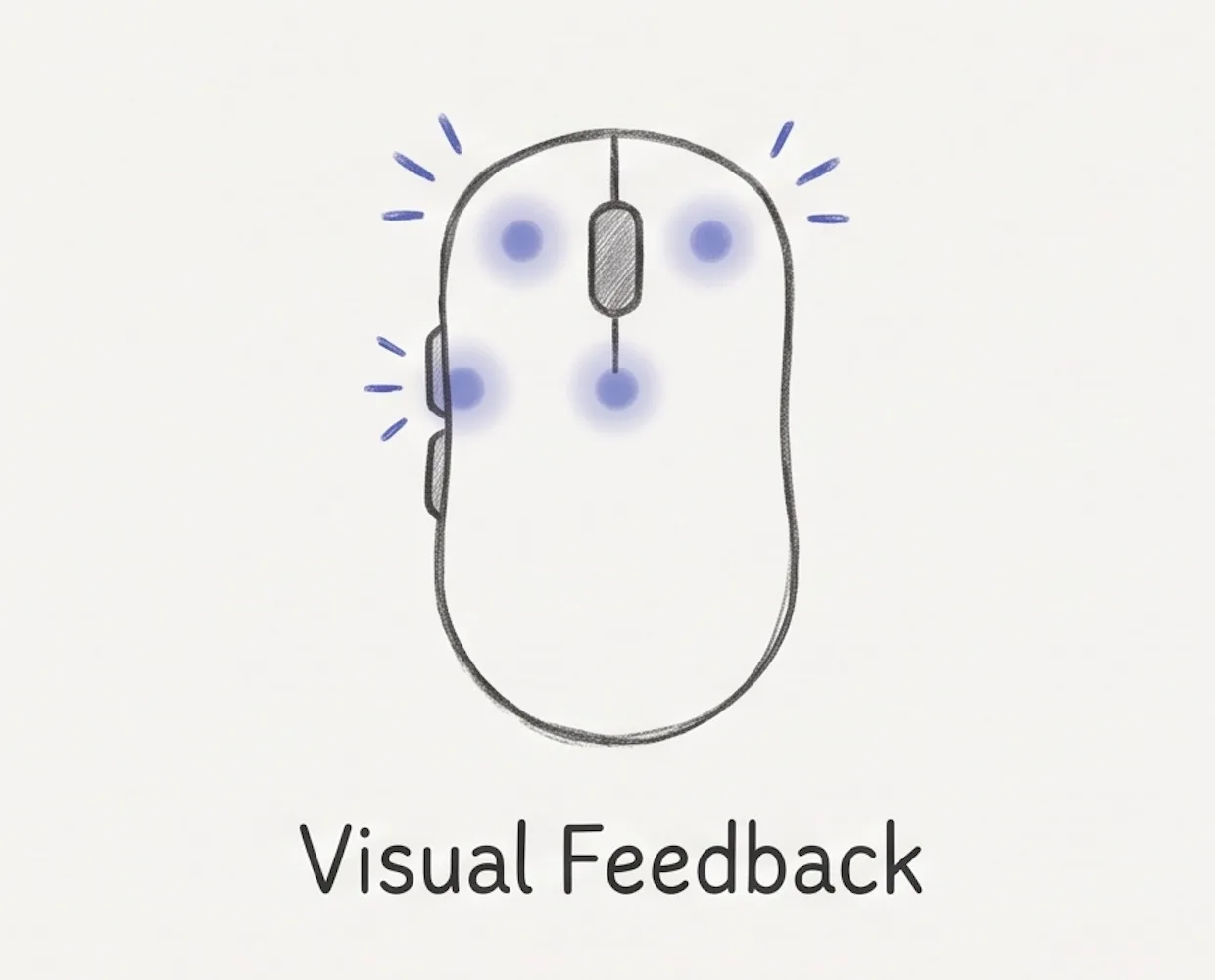
Works in Your Browser
No app, no extension, no install. The mouse test runs right in your browser on Windows, Mac, and Linux.
Run mouse test now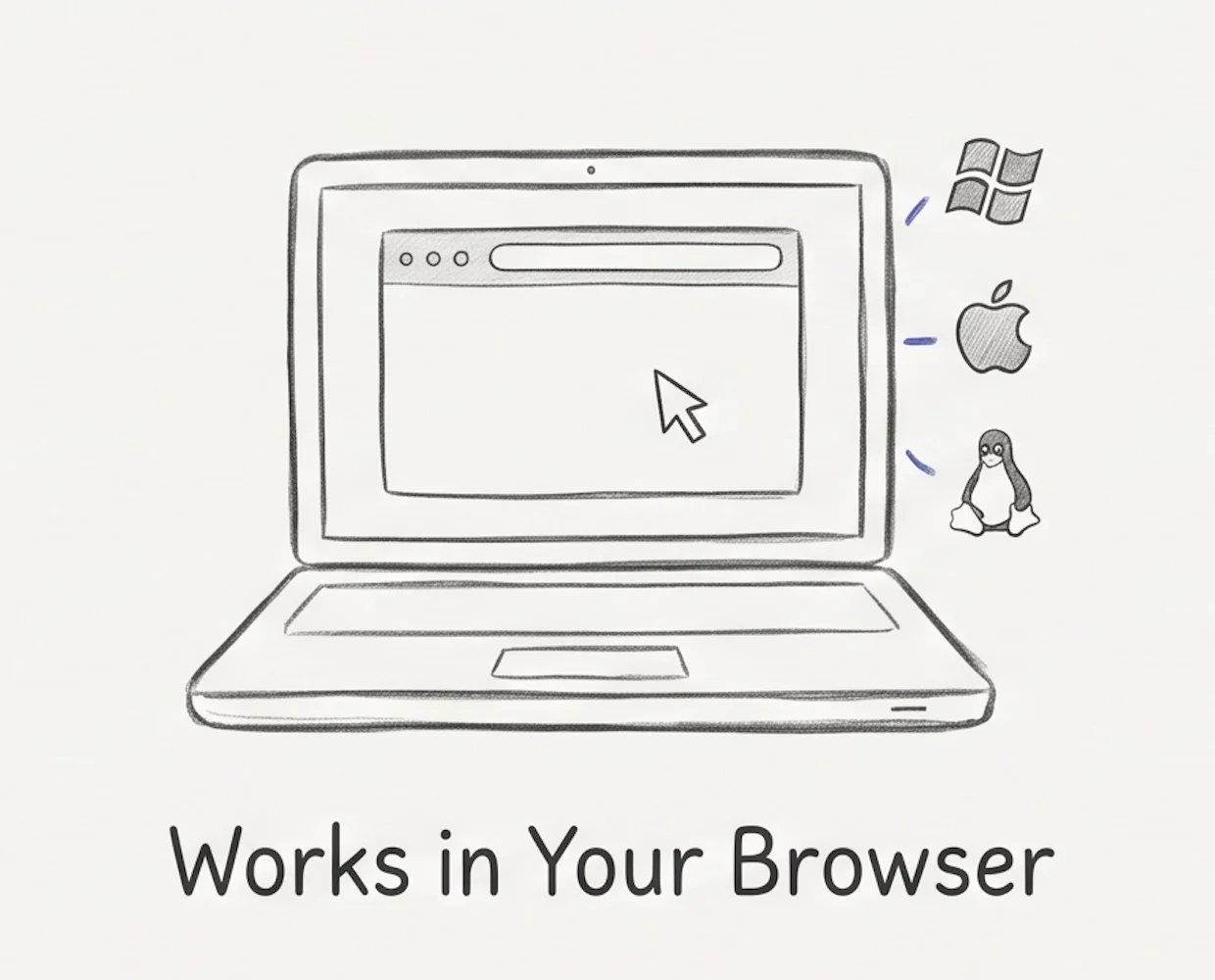
Free and Unlimited
Use it as much as you like. No sign-up, no limit, and no cost — your clicks stay on your device.
Start free mouse test
Why Choose Our Mouse Test Tool
See how this free mouse tester compares to other tools.
| Feature | Our Mouse Test | Other Tools |
|---|---|---|
| Buttons, scroll & CPS in one view | Yes | Often split across pages |
| Side buttons (back / forward) | Yes | Sometimes |
| Real-time CPS | Yes | Sometimes |
| No sign-up, no limits | Yes | Usually |
| Click data stays on your device | Yes | Usually |
Frequently Asked Questions
Common questions about our mouse test tool.
What is our mouse test tool?
Our mouse test tool is a free online tool that checks every input on your mouse — left, right, and middle clicks, the back and forward side buttons, and the scroll wheel up and down. It also shows your real-time clicks per second and the interval between clicks. Everything runs in your browser on Windows, Mac, or Linux, with no install, no sign-up, and no data leaving your device.
How do I test my mouse?
Start the mouse test by clicking each button and rolling the scroll wheel up and down. The matching part lights up on the mouse when it works.
What mouse buttons can I test?
Left, right, and middle click, the back and forward side buttons, and the scroll wheel up and down.
Why don't my side buttons light up?
Some browsers block the back and forward buttons. Try Chrome or Firefox. If they still fail, the buttons may be broken.
What does a failed test mean?
A button or the scroll wheel did not work. First try a different browser — some block the side buttons. If it still does not light up, your mouse is likely worn or broken, and it may be time for a new one — see the ones we recommend below.
Does it test DPI or polling rate?
Not yet. This mouse test currently checks your buttons, scroll wheel, and click speed. We may add DPI and polling rate later.
Is it free? Do I need to install anything?
Yes, the mouse test is completely free. No download, no sign-up, no plugin — it runs right in your browser.
Are my clicks private?
The mouse test runs entirely in your browser. Your clicks are never uploaded or sent to a server.
Run the mouse test now
Click a button or roll the wheel to start the mouse test. It is free and fast.
Start the mouse test